
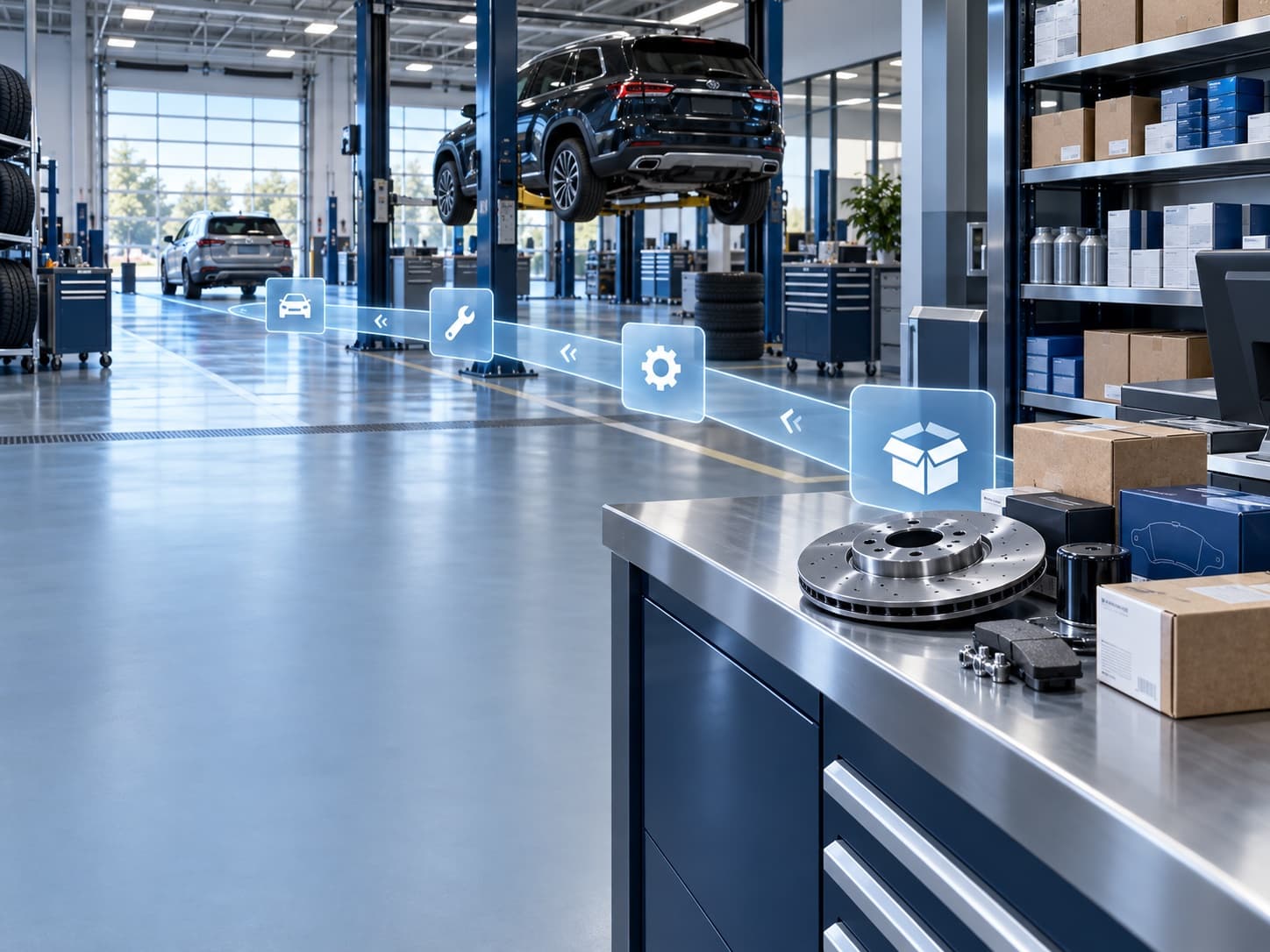

Find, order, and fulfill parts with ease.
Inventory lookup, special orders, and counter sales tied to the repair order that needs the part.
- 01Search inventory in plain language, including cross-references
- 02Special orders stay attached to the RO and the customer
- 03Counter, wholesale, and shop tickets in the same stock picture
See the part, the order,and the work behind it.
Keep inventory lookup, special orders, and the vehicle or repair order connected. Counter staff and the shop can work from a clearer stock picture while every request keeps its source context.
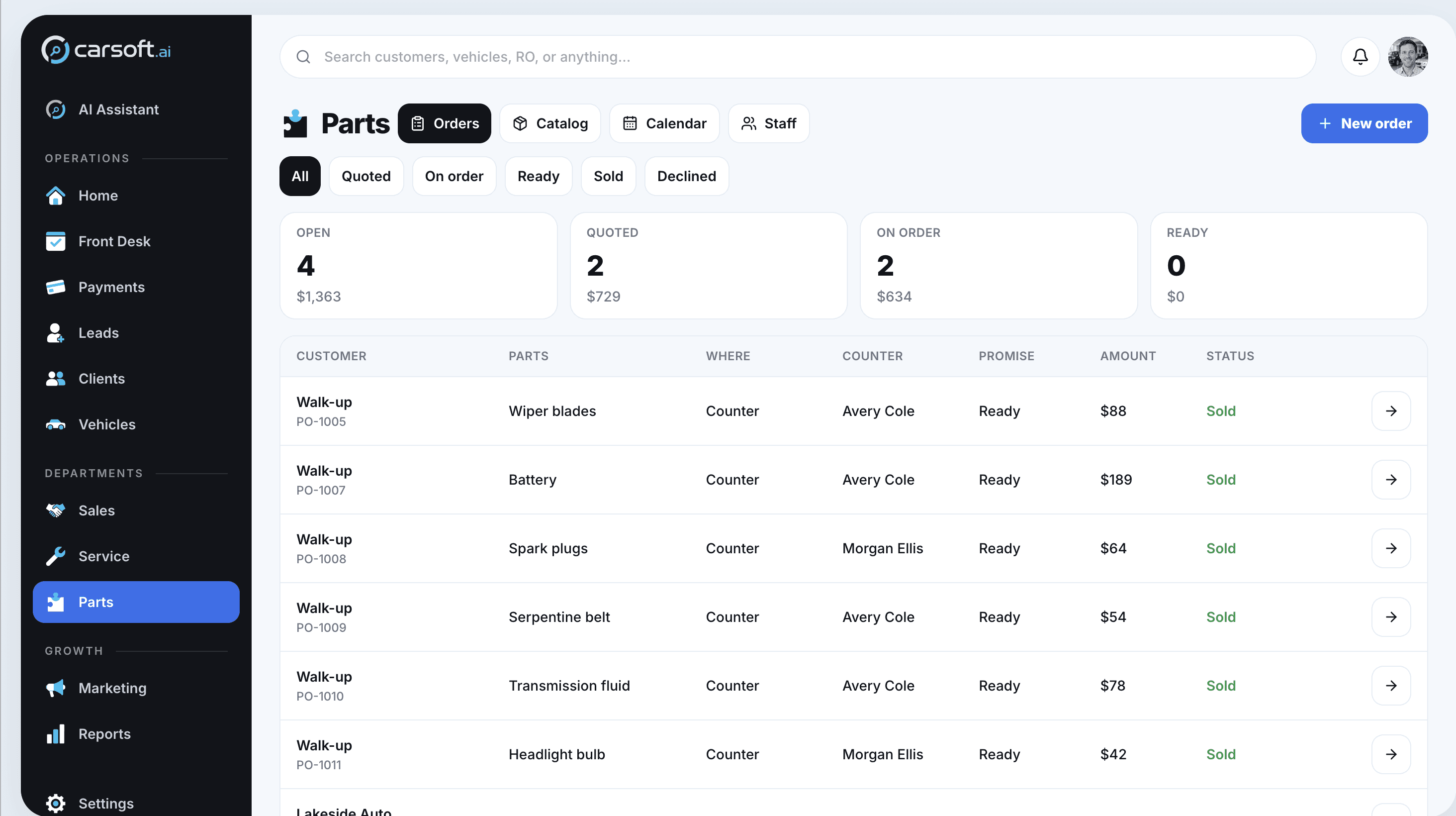
Parts contextstays connected.
The mobile experience keeps key vehicle and dealership details within reach while the team is away from a desktop. Requests remain easier to understand because the record travels with the work.
Know what the request belongs toOpen the shared vehicle context before moving the order forward.
Keep the store picture nearbyUse the dealership overview to stay aligned with related work.


See Partsinside one connected platform.
Walk through the workflows that matter to your team with Carsoft.
Request a Demo